Static or dynamic?
Compare editable links, analytics and service dependencies.
Read the guide →Create a dynamic QR code for your flyers, signs or packaging. Change its destination after printing, track scans, or schedule links by time of day and day of week.
Set it up once. Your printed code becomes a switch you control from a dashboard — forever.
Generate one dynamic QR code and point it at any link. Customise the look to match your brand.
Posters, flyers, packaging, badges, signage. The printed code never changes — so you only print once.
Change the destination or add smart rules whenever you like. Every future scan follows the new path instantly.
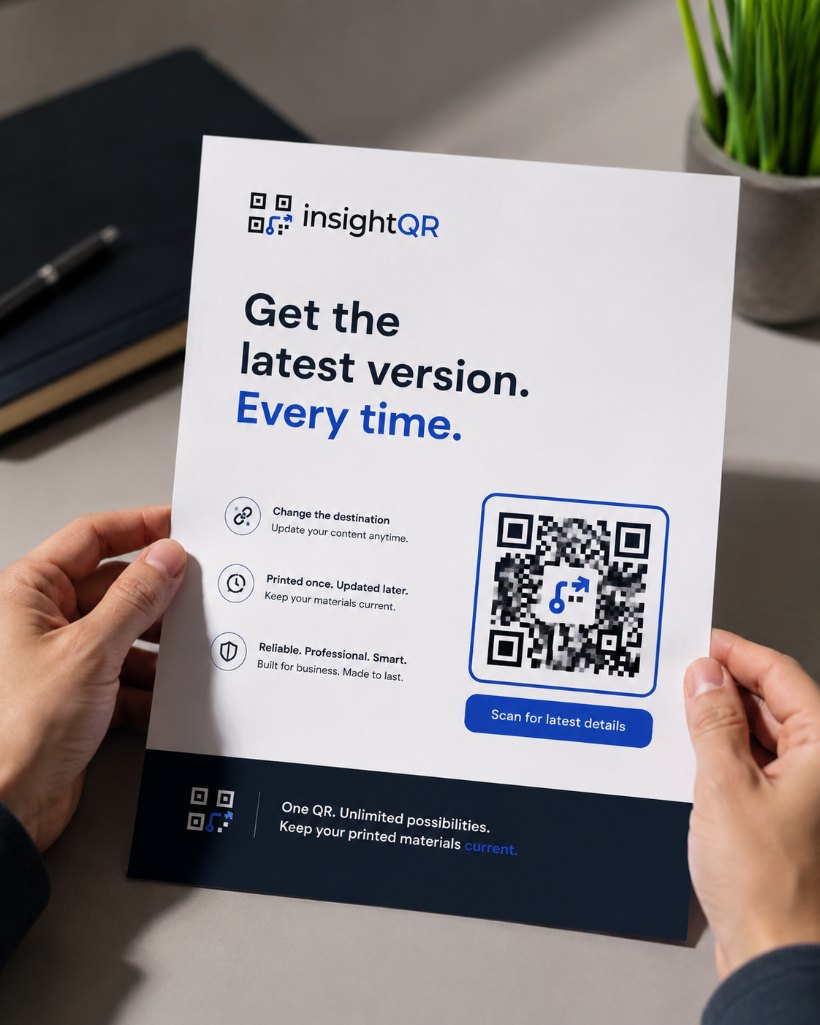
The QR on your poster is fixed. The link behind it isn't. Update where it leads in seconds — no new code, no reprint, no wasted stock.
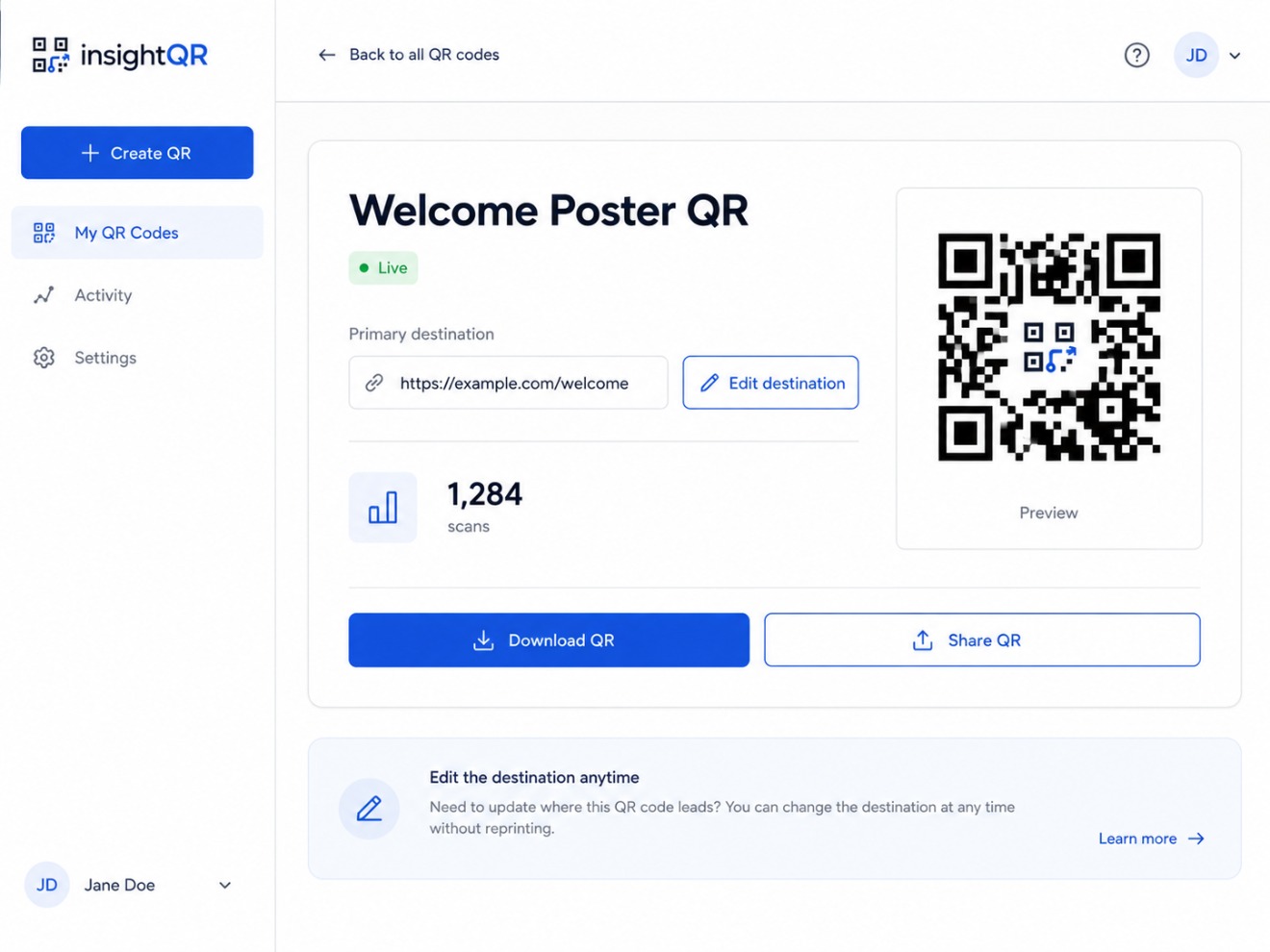
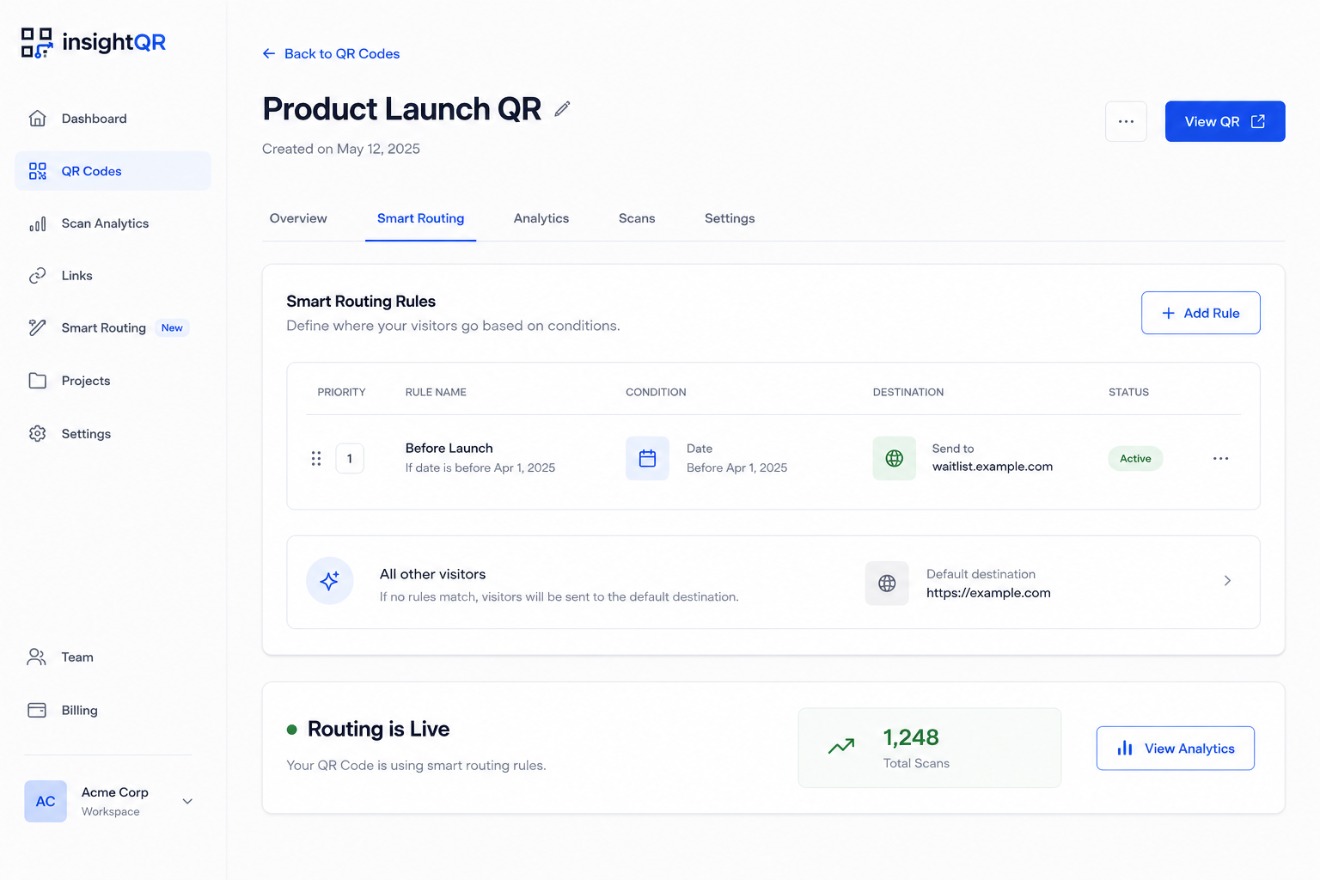
Add a schedule to your dynamic QR. Send visitors to check-in in the morning, the agenda during sessions, and a feedback form in the evening.
Compare scan activity across your printed materials. Track scans by time, place and device. Scan counts measure engagement; they do not establish sales or print ROI.
Explore an interactive preview: edit the link or select a sample rule to change the phone display. These Friday schedules use Europe/Paris time and repeat weekly. This preview does not save rules or change a real QR destination.
Your one-stop hub for everything Summit. Edit the destination on the right to see where the next scan lands.
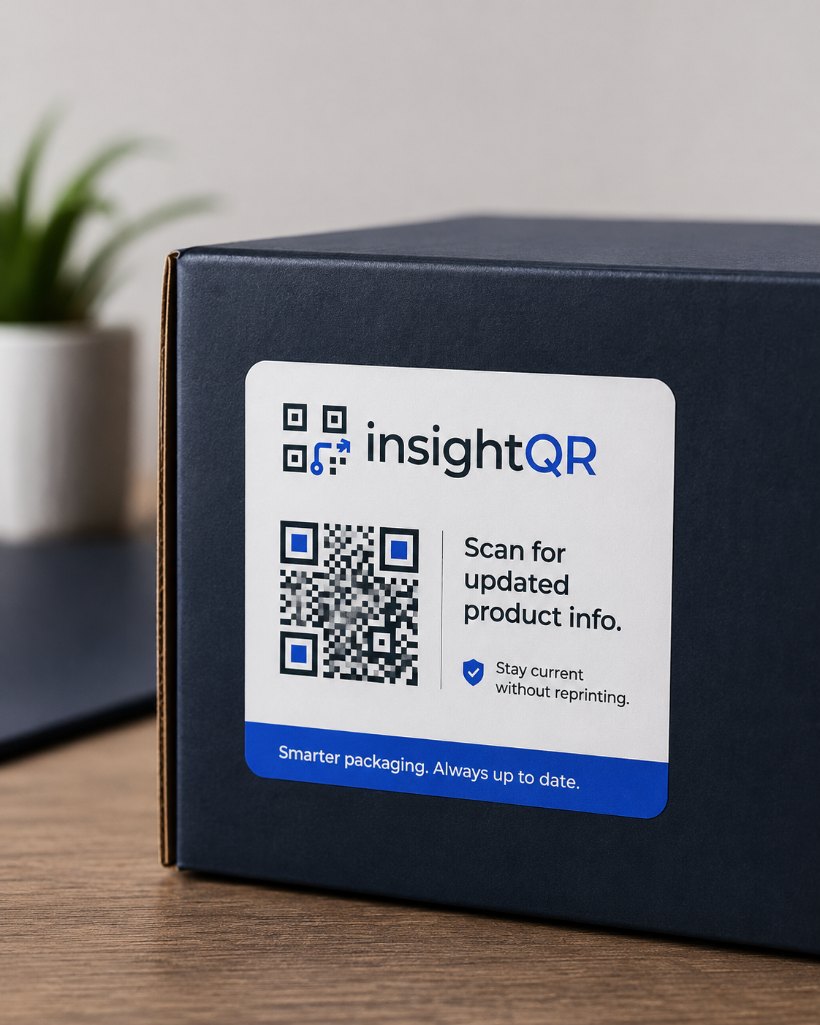
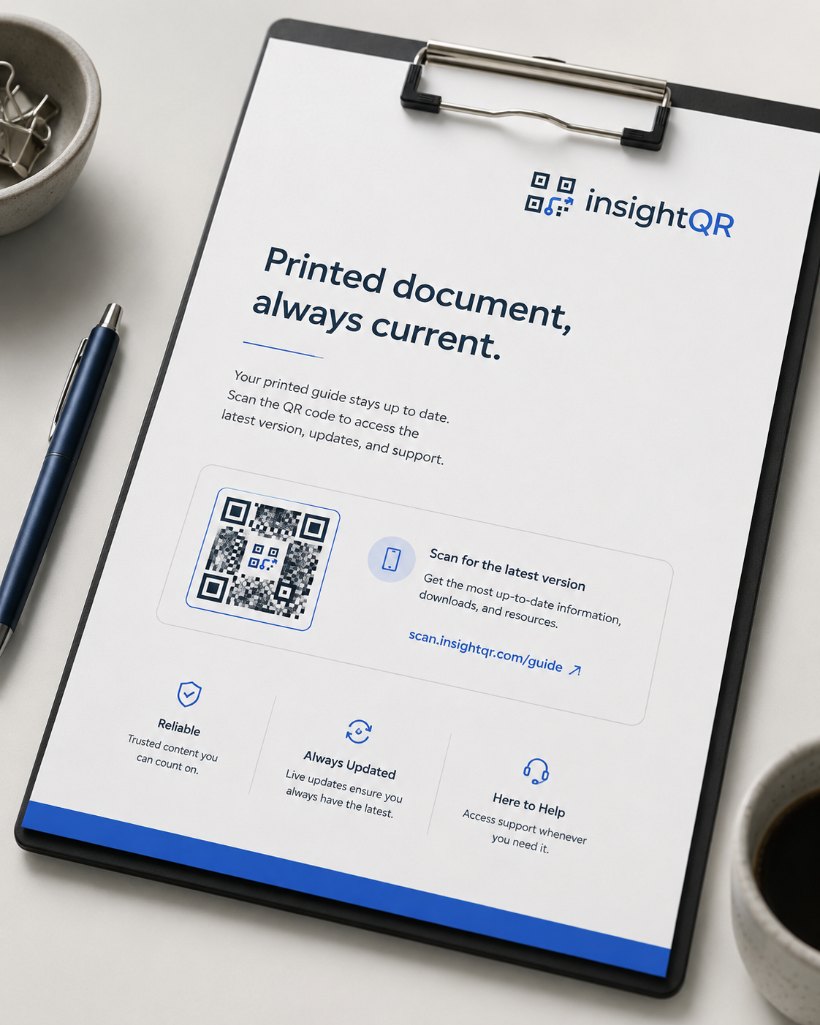
From the conference hall to the shipping box — one insightQR code keeps every printed touchpoint current.
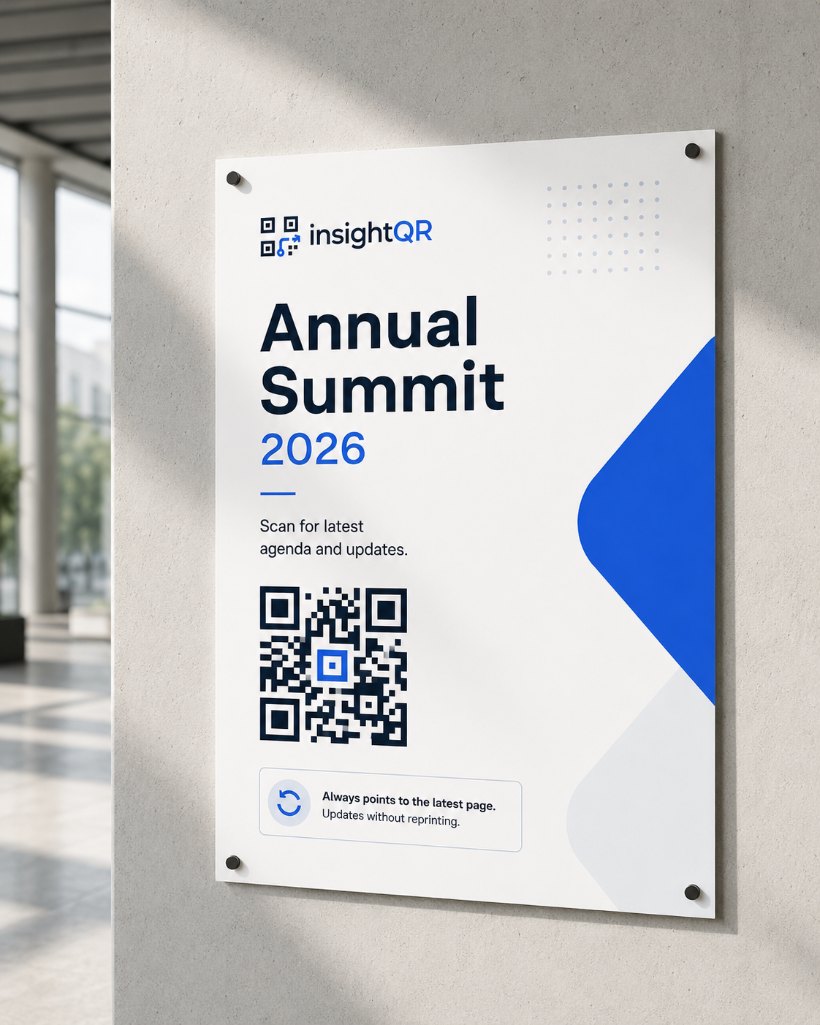
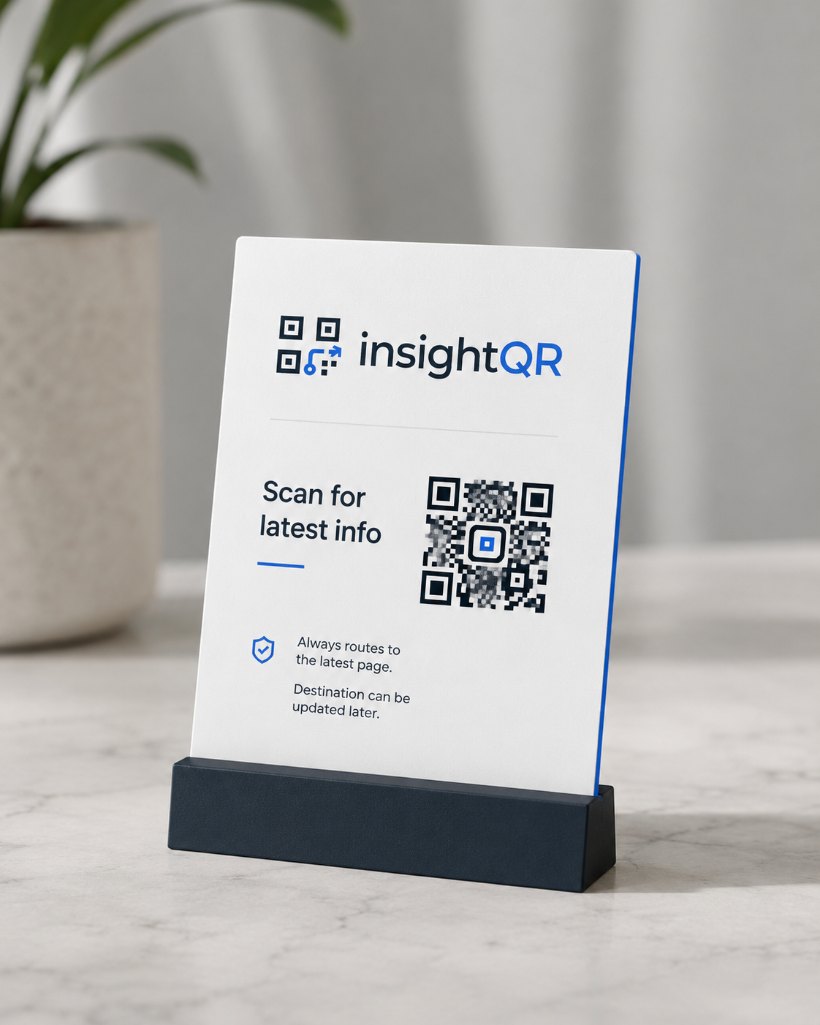
Every code, rule and scan in one calm, fast workspace.
On Friday, open check-in from 08:00 to 10:00, then the agenda from 10:00 to 18:00. Use the event information page as a fallback and disable the weekly rules after the event.
See the routing setupPrint a dynamic QR on the box. When a new manual is published, update the destination URL so existing packaging leads to the current instructions.
Explore packaging QR codesGive the poster, flyer and direct mail piece their own QR code. Compare scan counts to learn which placement brings visitors to your campaign page.
Explore campaign analyticsEvery plan keeps your printed codes live. Upgrade for more codes and more routing options.
No. The printed code points to a fixed insightQR address that never changes. You edit where that address forwards to — so the same printed QR keeps working, it just leads somewhere new on the next scan.
Smart routing sends scans to different URLs based on time-of-day and day-of-week rules. For example, an event sign can open check-in in the morning and the agenda during sessions. The first matching enabled rule wins; other scans go to your default URL. Schedules repeat weekly until you change or disable them.
Never. That's the whole point of insightQR — print once, then manage everything from your dashboard. Changes are live within seconds and apply to every code already out in the world.
Yes. See scan counts for your QR codes, with detailed analytics on paid plans. Use a separate QR for each placement to compare scan activity. Scans are not unique people, leads or proof of sales.
Yes — €0/month, no credit card. You get one dynamic QR code with an editable destination and basic scan counts, perfect for trying the concept before you scale up.
Yes. Create separate QR codes for client projects within your plan limit. Agree who will own the account and maintain each destination. Shared client workspaces, account transfers and white-label reseller accounts are not currently available.
Practical guides for the decisions that are harder to change after a print run.
Compare editable links, analytics and service dependencies.
Read the guide →Find out when you can change a link and how to recover a fixed destination.
Read the guide →Check the quiet zone, resolution and scanning distance on a real proof.
Read the guide →Our backend storage uses AWS Paris. Website hosting, delivery and sign-in also involve other providers. Read our privacy policy for the full picture.
Découvrir InsightQR en français →Create your first dynamic QR code in under a minute — and never reprint to fix a link again.
Free forever plan · No credit card · Set up in minutes